


Hey there! As a supplier of syringe pumps, I've gotten a ton of questions about how to upgrade the software of these nifty devices. It's a crucial aspect that can really enhance the performance and functionality of your syringe pump. So, let's dive right in and explore the ins and outs of software upgrades.
First off, why should you even bother upgrading the software of your syringe pump? Well, for starters, software updates often come with bug fixes. Just like any other piece of technology, syringe pumps can have glitches that might affect their accuracy or reliability. Upgrading the software can patch these bugs, ensuring that your pump operates smoothly and precisely.
Another reason is security. In today's digital age, cybersecurity is a big deal, even for medical devices. Software upgrades can include security enhancements that protect your pump from potential cyber threats. This is super important because syringe pumps are used in critical medical settings, and any security breach could have serious consequences.
Moreover, new software versions usually bring in additional features. These features can range from improved user interfaces to more advanced dosing algorithms. For example, a new software update might allow for more precise control of the infusion rate, which can be a game - changer in certain medical procedures.
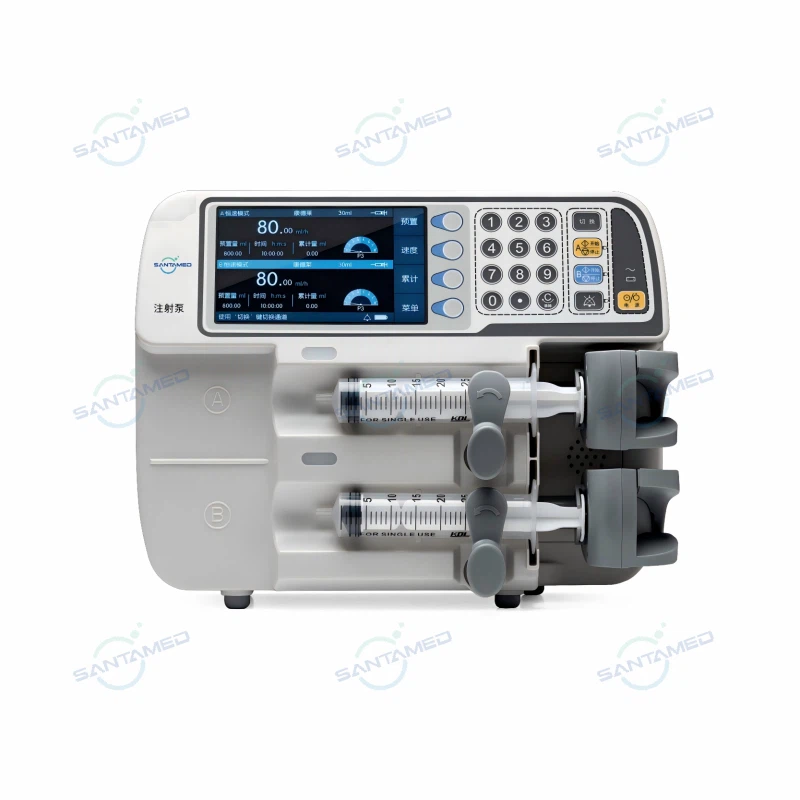
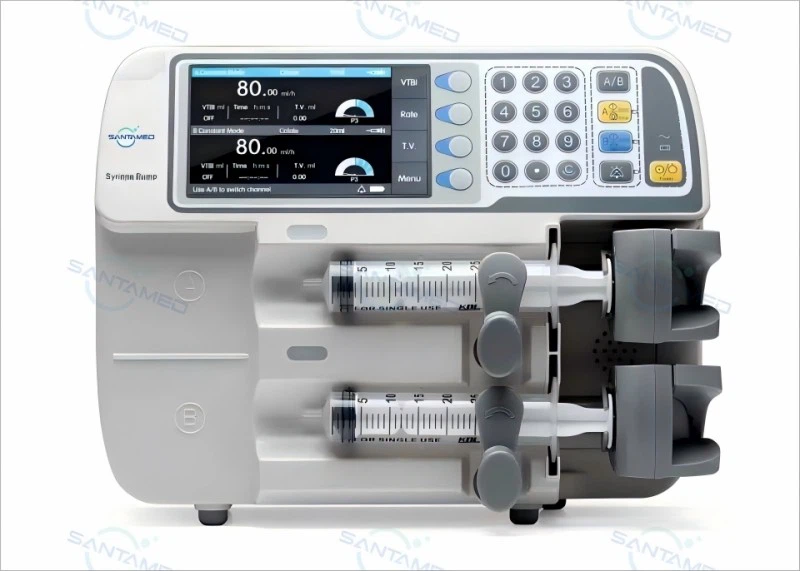
Now, let's talk about the actual process of upgrading the software of a syringe pump. The first step is to check the manufacturer's website. As a syringe pump supplier, we always post the latest software updates on our site. You can easily find the relevant information about the available upgrades for your specific model. For instance, if you have our Medical Syringe Pump, you can head over to the website and look for the software section dedicated to this product.
Once you've located the software update, you need to download it. Make sure you have a stable internet connection during the download process to avoid any interruptions. It's also a good idea to save the downloaded file in a safe location on your computer where you can easily find it later.
Before you start the installation process, it's crucial to back up any important data on the syringe pump. Although most software upgrades are designed to be seamless and not cause data loss, it's always better to be safe than sorry. You don't want to lose any patient - related information or customized settings.
Now, let's move on to the installation part. The process can vary depending on the model of the syringe pump. Some pumps allow for direct USB - based updates. In this case, you'll need to connect the pump to your computer using a USB cable. Then, follow the on - screen instructions provided by the software update package. It will guide you through the installation process step by step.
Other pumps might require a more complex installation method. For example, some models might need to have the software installed via a special programming device. If you're not sure how to proceed, don't hesitate to reach out to our technical support team. We're always here to help you through the process.
During the installation, make sure the syringe pump is powered on and in a stable environment. Avoid moving the pump or disconnecting any cables until the installation is complete. This will prevent any errors that could occur during the upgrade process.
After the installation is finished, it's a good idea to test the syringe pump. Run a few test infusions to make sure everything is working as expected. Check the accuracy of the dosing, the functionality of the new features, and the overall performance of the pump. If you notice any issues, again, our support team is just a call or an email away.
If you have a Portable Injection Syringe Pump, the upgrade process is similar, but there are a few additional things to keep in mind. Since these pumps are designed to be portable, they often have different power requirements. Make sure the pump is fully charged before starting the upgrade to avoid any power - related issues during the process.
Also, portable pumps usually have smaller screens and different user interfaces. When you upgrade the software, pay special attention to how the new interface looks and functions. It should be intuitive and easy to use, even in a mobile setting.
It's important to note that regular software upgrades are a part of maintaining the optimal performance of your syringe pump. Set a schedule to check for updates at least once every few months. This way, you can ensure that your pump is always up - to - date with the latest features and security patches.
In conclusion, upgrading the software of a syringe pump is a relatively straightforward process, but it does require some attention to detail. By following the steps outlined above, you can keep your pump running smoothly and take advantage of all the benefits that come with the latest software versions.
If you're in the market for a new syringe pump or have any questions about software upgrades, don't hesitate to contact us. We're a leading supplier of high - quality syringe pumps, and we're committed to providing the best products and support to our customers. Whether you're a hospital, a clinic, or a medical professional, we can help you find the right syringe pump for your needs and guide you through the software upgrade process.
References:
- Manufacturer's documentation for syringe pumps
- Industry best practices for medical device software upgrades


